
Download Rizzle APK – video maker, video editing app, social media video, short-form video, TikTok alternative, video templates, video effects, social video platform, content creation tool, video sharing app
Overview
Rizzle is a compact video maker application designed for users who want to create, edit, and share short-form videos directly from their mobile devices. As a free-to-use social app, it caters to individuals seeking an accessible tool for content creation across popular social media platforms such as Facebook, Instagram, and TikTok. The app simplifies the video editing process by offering over a thousand templates and customizable effects, enabling users to produce engaging and trend-driven content without extensive technical knowledge.
Target users include casual creators, social media enthusiasts, and aspiring content producers who want to experiment with video formats, memes, and trending audio. The app’s integration with major social platforms allows for seamless sharing, reducing friction between creation and publication. Real-world usage scenarios include crafting viral-style clips, promoting personal brands, or generating entertainment content for online communities. While the developer is listed as Rizzle, no further organizational details were provided.
With built-in monetization opportunities—such as earning a Premium membership by uploading 30 quality videos per month—Rizzle positions itself as more than just an editing tool. It functions as a standalone short-form video platform, offering users a space to publish and potentially gain recognition. The app’s interface mirrors familiar formats like TikTok, enhancing usability for users already accustomed to vertical video content.
Key Features & Capabilities
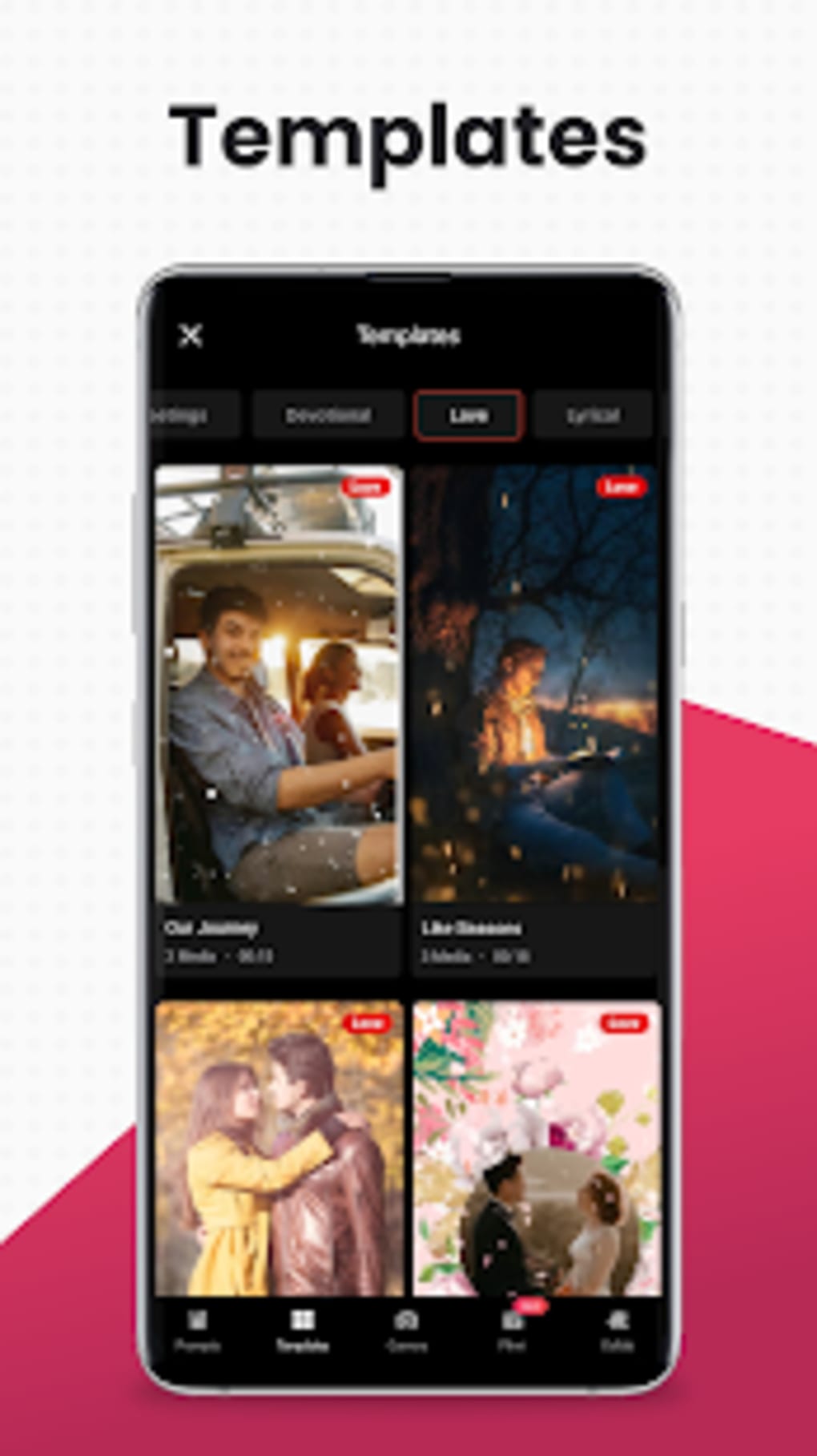
- Over 1,000 Video Templates – Users can select from a vast library of pre-designed templates tailored for different content genres, including comedy, tutorials, challenges, and promotional clips. These templates automatically apply transitions, text overlays, and visual effects, significantly reducing editing time.
- Customizable Video Effects – The app supports a wide range of visual effects, filters, and animations that can be applied with a single tap. These effects help enhance video appeal and align content with current social media trends.
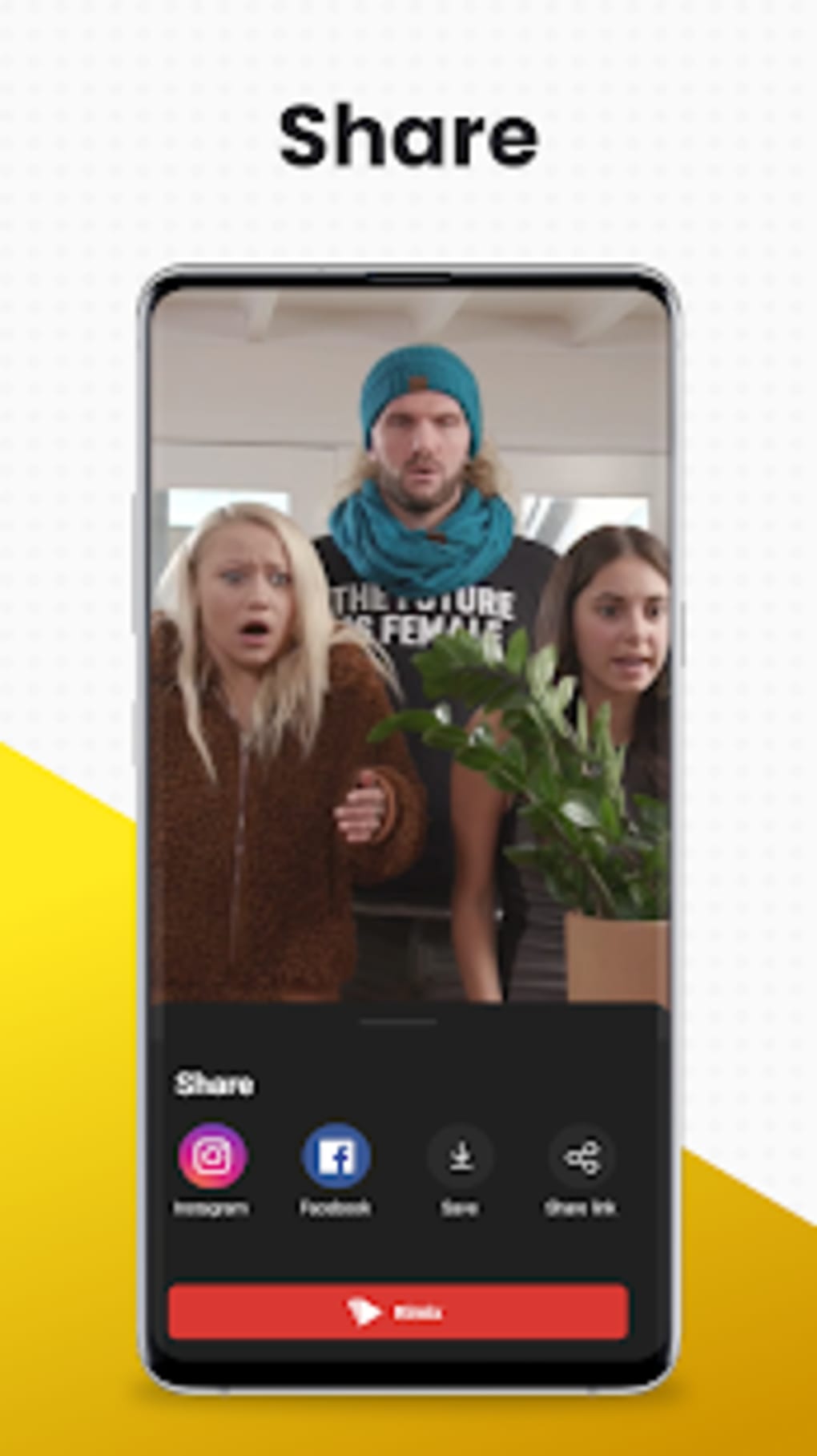
- Integrated Social Media Sharing – Direct upload and sharing capabilities are built into the app, allowing users to publish videos instantly to platforms like Instagram, Facebook, and TikTok without leaving the application.
- Monetization and Rewards System – Users who consistently upload high-quality content—specifically 30 videos per month—can qualify for a Premium membership, unlocking additional features and benefits within the platform.
- Intuitive Content Creation Workflow – The app streamlines the video creation process by organizing tools in a user-friendly layout. Features are arranged logically, enabling quick access and efficient workflow, even for beginners.
These capabilities make Rizzle particularly effective for users aiming to maintain an active social media presence. For example, a content creator can record a 15-second clip, apply a trending template, add a filter, and publish it to multiple platforms—all within minutes. The app’s design encourages creativity and experimentation, reducing the barrier to entry for video production.
User Interface, Workflow & Performance
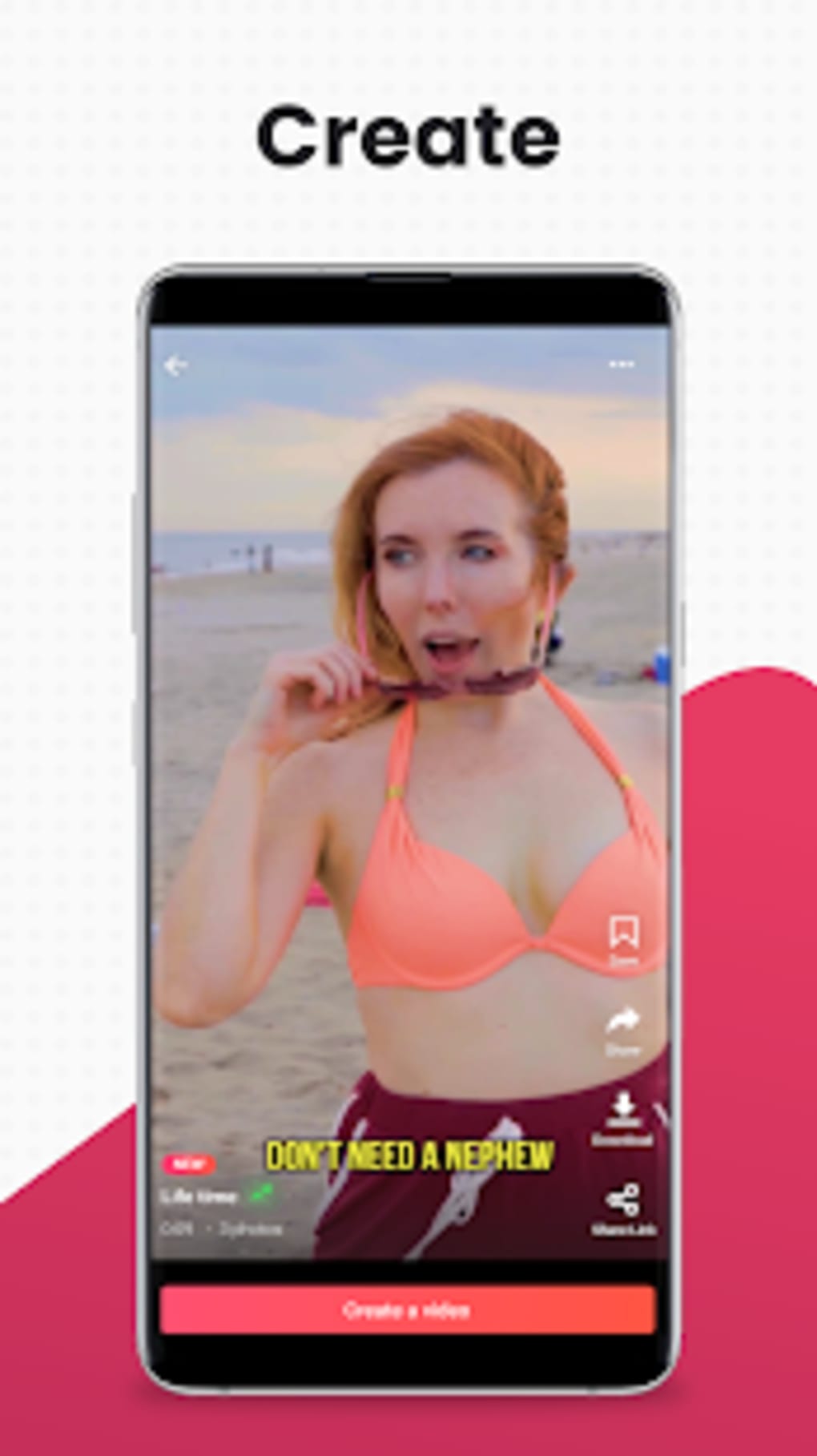
The user interface of Rizzle is structured around a clean, vertical layout similar to TikTok, which enhances navigation and content consumption. The main screen displays a feed of user-generated videos, while the editing workspace offers tools arranged in a logical, easily accessible manner. Navigation between recording, editing, and sharing functions is straightforward, minimizing the learning curve for new users.
Workflow efficiency is improved by the app’s preset-based editing system. Instead of manually adjusting timelines or effects, users can choose from ready-made templates that automatically handle transitions, timing, and visual elements. This streamlines the process, making it ideal for quick content production. However, exact performance details were not specified. The developer did not provide information on CPU or RAM usage, and no benchmarks were shared.
Some users have reported issues such as crashes or performance slowdowns on certain devices. While these observations suggest potential optimization challenges, the app remains functional for most standard Android devices. Stability may vary depending on hardware configuration and background processes. General performance notes are based on typical behavior of similar video editing applications.
Compatibility & System Requirements
Rizzle is designed for Android devices and is currently available in version 2.4.1. The installation package is approximately 25 MB, indicating a lightweight footprint suitable for devices with limited storage. The app is compatible with a wide range of Android operating systems, though specific OS versions were not listed by the developer.
Exact system requirements were not provided. The developer did not specify minimum CPU, RAM, or storage needs. Users should ensure their device supports the latest Android updates to avoid compatibility issues. While the app is free to download and use, users are advised to verify the source when installing the APK file to maintain security.
Pros and Cons
Pros
- Free to use with no upfront cost
- Over 1,000 pre-made video templates for quick content creation
- Seamless integration with major social media platforms
- Monetization opportunities through quality video uploads
- Intuitive interface similar to popular platforms like TikTok
Cons
- Performance issues reported on some devices (crashes, slowdowns)
- No detailed system requirements provided
- Monetization eligibility depends on subjective quality standards
- Limited information about background processes and resource usage
- APK installation may require enabling unknown sources
FAQ Section
Is Rizzle available for iOS devices?
Rizzle is currently only available for Android. No information was provided about iOS compatibility or future plans.
Is the app safe to download and use?
The app is free and available via APK. Users should ensure they download from trusted sources to avoid security risks. The developer did not provide a verified app store listing.
How often does Rizzle release updates?
The latest version is 2.4.1, released on August 10, 2024. The update frequency is not specified in the available data.
Can I use Rizzle offline?
While the app supports local video editing, full functionality—including template access and sharing—requires an internet connection.
What type of license does Rizzle use?
Rizzle is a free-to-use application with no explicit license details provided. It operates under a freemium model with monetization features based on user activity.
Final Thoughts + CTA
Rizzle stands out as a strong contender in the short-form video creation space, combining powerful editing tools with social sharing and monetization features. Its extensive template library, intuitive interface, and integration with major platforms make it a valuable tool for content creators across skill levels. While performance inconsistencies on certain devices may pose challenges, the app remains a viable alternative to TikTok for users seeking creative freedom and potential rewards.
For individuals looking to boost their social media presence with minimal effort, Rizzle offers a compelling package. Whether you're creating memes, promoting a brand, or experimenting with video trends, the app delivers a streamlined experience. With its free access and built-in rewards system, it’s an attractive option for both casual users and aspiring creators.
Download Rizzle APK now





.png)

